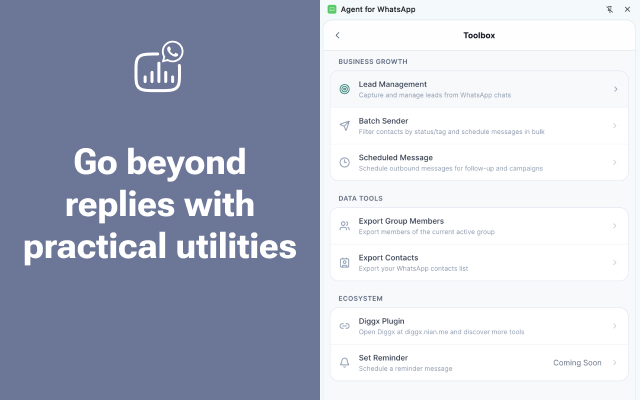
Batch Sender
Select contacts, segment the audience, and send consistent outreach without rebuilding the message every time.
What this feature does
Batch Sender helps you send identical or personalized campaign logic to multiple WhatsApp contacts in a controlled, automated way. It eliminates the need to manually copy-paste the same message over and over again.
It is best used for:
- 📣 First outreach: Introducing your product to cold leads
- 🔔 Follow-up reminders: Nudging pending deals
- ♻️ Reactivation campaigns: Waking up dormant customers
- 🎯 Segmented messaging: Sending targeted offers to VIPs
🎯 How targeting works
Batch Sender allows precision targeting so you never spam the wrong audience. You can target contacts by:
- Explicit selection: Hand-picking individual contacts
- Country Code: Filtering by geographic location
- Customer Type: Targeting tags like “Lead”, “VIP”, or “Closed”
- Lead Filters: Using dynamic segments from the Lead Manager
[!NOTE] Data Privacy This keeps your segmentation deeply tied to the data already stored and analyzed within the product, without needing to export to heavy CRM systems.
🔗 Why Templates Matter Here
Batch sending is much more reliable and professional when the message body is driven by a Message Template instead of a one-off draft typed on the fly.
Using templates in Batch Sender drastically reduces:
- ❌ Inconsistency in sales pitches
- ❌ Accidental wording or typo errors
- ❌ Operator overhead
graph LR
    A[Select Template] --> B[Apply Filters]
    B --> C{Variables Evaluated}
    C --> D[Queue Sent]
    D --> E[Status Tracked]
💡 Best Practice
Do not batch-send to your entire contact list at once. Narrow the audience first, especially when:
- The message depends on customer type (e.g., Don’t send a “Welcome” pitch to an active client)
- The message assumes a specific buying stage
- The message references a previous quote or follow-up
[!IMPORTANT] WhatsApp Anti-Spam Always respect WhatsApp’s platform rules. Sending overly generic messages to thousands of contacts at once may increase block rates. High segmentation is the key to high conversion.