Message Templates
Create reusable message templates, copy preset scripts, and apply templates in batch sender and scheduled messages.
What this feature does
Message Templates are reusable reply blocks designed for common sales and support scenarios. They drastically reduce repetitive writing and make your messaging approach consistently professional across all workflows.
🔁 Where templates can be used
Templates are a central piece of your workspace and are currently shared across multiple core modules:
- 📝 The Message Template Manager (Create and edit)
- 🚀 Batch Sender (Broadcast to multiple contacts)
- ⏱️ Scheduled Messages (Delayed follow-ups)
That means you only need to create and maintain your templates once.
graph TD
    A[Template Library] --> B(Batch Sender)
    A --> C(Scheduled Messages)
    A --> D(1-on-1 Replies)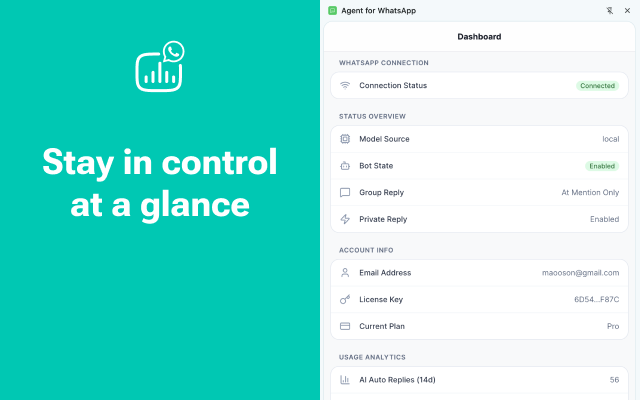
🎯 Typical template use cases
Here are some of the most effective ways our users leverage templates:
- First-touch outreach: Standardizing the opening pitch
- Quote follow-up: Checking in after sending pricing
- Sample confirmation: Confirming address and shipping
- Payment reminder: Polite prompts for unpaid invoices
- Reactivation: Re-engaging silent or dead leads
- After-sales: Automated follow-up post delivery
[!TIP] Preset script library Don’t want to write from scratch? The product includes a preset script library. You can immediately copy a proven script, save it as a personal template, and adapt it to your own sales tone.
🧬 Dynamic Variables
For deep personalization at scale, template content supports dynamic variables:
{{name}}: Injects the contact’s saved name{{number}}: Injects their WhatsApp phone number
These variables are automatically resolved at send time, provided the workflow has enough customer context available.
💡 Best Practice
Keep templates short and scenario-specific. A strong template usually does only one thing:
- Reopen a conversation
- Request missing information
- Push a specific next step
[!WARNING] Common Mistake A template should not try to close every objection in one giant message. Long walls of text perform poorly on WhatsApp. Keep it conversational!